Introduction
I've spent the last two years watching AI image tools get steadily better at one thing: the still image. Sharper faces, cleaner text, more consistent characters. Useful, but static. So when OpenAI announced on November 4, 2026 that ChatGPT can now make animated GIFs, I stopped scrolling. This is the first time the tool most of us already have open in a tab can take a sentence — or a photo — and hand back a moving picture. The update is called ChatGPT Images 2.6, and the GIF maker is only the headline: underneath it are a speed claim worth checking, two new API models, and a reference-images feature that might matter more than the GIFs themselves.
What Images 2.6 Actually Does
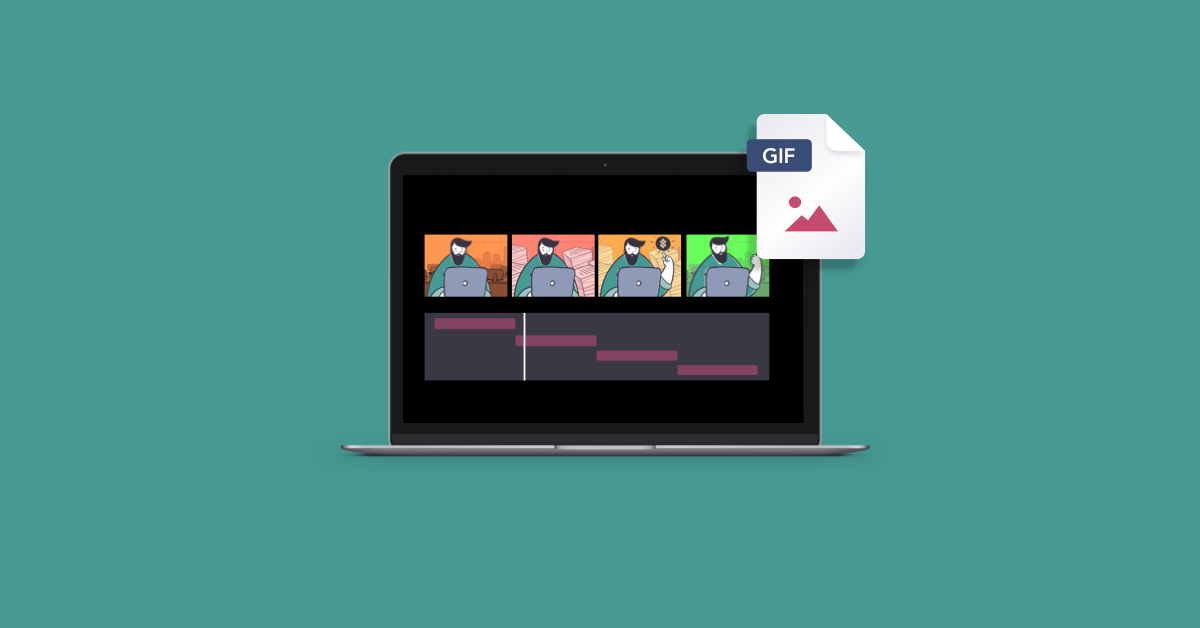
The core idea is simple. In ChatGPT, you describe something — a reaction, a mascot waving, a product spinning — or you upload a photo or even a rough sketch, and Images 2.6 turns it into a short looping GIF. You can adjust the playback speed, edit individual frames, and share the result on repeat. OpenAI's own example is a "cat dancing" flipbook-style loop.
That frame-level control is the detail that caught my attention. Most AI animation tools give you a clip and a shrug — if frame three looks wrong, you regenerate the whole thing and hope. Being able to fix a single frame is the difference between a toy and a tool you can actually ship work with.
The GIF feature is rolling out inside ChatGPT and Codex, on web, desktop, and mobile, across all subscription tiers according to OpenAI. But the GIF tool itself is arriving in stages: early reports describe accounts that don't have the GIF controls yet, and one hands-on check on November 5 found ChatGPT generating still images first and only producing a playable GIF after being asked where it was. If your account doesn't show it yet, that's normal — give it a few days.
The other thing to keep in mind is what a GIF is and isn't. A GIF is a brief repeating animation: one visual action, looping. It is not a replacement for a full video workflow. If your message needs scene progression, dialogue, or sound, you still need video. But for the enormous middle ground — a reaction, a product highlight, a mascot doing one funny thing — a loop is often exactly the right format, and it's the format social feeds and messaging apps are built around.
The Speed Claim: 50% Faster, With Receipts
OpenAI says Images 2.6 generates images 50% faster than before — a company claim, not an independently verified benchmark. But OpenAI did publish a Flare benchmark with real numbers: generation time falling from 7.08 seconds with Images 2.5 to 4.84 seconds with Images 2.6, about a 32% reduction in time, or roughly 46% more images over the same period. The headline and the benchmark don't measure the exact same thing, but they're in the same ballpark, and the direction is clear.
Why does speed matter this much? Because image generation is an iterative craft. Nobody gets the perfect image on the first prompt. You generate, you look, you adjust, you generate again. When each round trip takes half as long, you try more ideas in the same session, and the work gets better.
Flare vs. Sunburst: Two Models, Two Jobs
For developers, the update also brings two new API models: GPT-Image-2.6 Flare and GPT-Image-2.6 Sunburst. Flare is the speed model — as fast as about six seconds per image on low quality — for prototyping, interactive interfaces, and high-volume requests where latency is the constraint. Sunburst is the quality model: sharper images that stay consistent across edits on medium or high quality, for product imagery, character studies, and assets that will go through several rounds of revision.
The API also adds separate planning and quality controls, markup-guided editing, and SVG export. And here's a technical detail developers should know before building: OpenAI's image guide documents animated GIF generation through the image-generation endpoint, with controls for frame count and frame duration — but the image-edit endpoint does not support GIF output. Generate a GIF from scratch through the generation endpoint; don't expect the edit endpoint to animate an existing image for you.
On pricing, the published rates for both models are US$8 per million image-input tokens, US$30 per million image-output tokens, and US$5 per million text-input tokens — reportedly unchanged from Images 2.5. No new price sheet came with the announcement, so check current API pricing and your account limits before estimating production costs.
Reference Images: The Quietly Big Feature
Buried under the GIF headlines is a feature I think will matter more over time: reusable reference images. Save a character, a pet, or a person as a reference and reuse it across prompts. If you've ever tried to get an AI to draw the same character twice, you know why this matters — consistency has been the hardest problem in AI image generation, and it's why most AI mascots look slightly different in every image.
With reference images, a small business can keep its mascot on-model across a whole campaign. A blogger can keep a recurring character consistent across a series of illustrations. A game developer can sketch a character once and carry it through concept art, sprite sheets, and promotional images. OpenAI's launch examples show exactly this: related variations of one character, assembled into a looping animation. Animators can even plan character movement with animated storyboards before shooting any video — a basic doodle, according to the announcement, is enough for ChatGPT to turn into an animated character for videos or games.
How I'd Actually Use This on a WordPress Site
I build WordPress sites with Elementor, so my first question about any new AI tool is always the same: what does it do for a real site? Here's where GIFs from ChatGPT earn their place — and where they don't.
Where they work:
- Product demos in a loop. A plugin feature, a tool result, a before-and-after — a six-frame loop shows it faster than three paragraphs. Drop it into an Elementor Image widget and visitors understand the product in seconds.
- Animated heroes and section accents. A subtle looping illustration in a hero section feels alive in a way a static image doesn't. Keep it small and tasteful — one loop, not a carnival.
- Tutorial steps. A short GIF showing exactly where to click beats a screenshot with a red arrow every time.
- Social and messaging. Reaction GIFs, mascot moments, announcement loops — the native format of every feed your content gets shared on.
Where they don't:
- Anything large or long. GIFs are heavy. A full-width, high-resolution GIF can weigh several megabytes and drag your page speed down — and page speed is a ranking factor. Keep GIFs small, short, and few per page. If the animation is long, use a video file or a modern format instead.
- Anything that needs sound or story. A GIF has no audio and no scene changes. If the message needs either, make a video.
- Photos of real people, without care. Animating photos of real people is the obvious risk here, and it's already drawing concern — German outlet OnlineMarketing.de has raised deepfake worries. OpenAI's system card describes additional safeguards for GIF creation, but safeguards are not a substitute for judgment. Don't animate someone's photo without their permission.
The practical workflow I'd suggest: generate the GIF in ChatGPT, download it, run it through an image optimizer, then upload it to WordPress through the Media Library like any other image. In Elementor, the Image widget handles GIFs natively — upload, place, set the size, and you're done. Just check the file size before you publish, and test the page on a phone.
The Honest Limitations
No launch is perfect, and this one has a few rough edges worth naming.
First, the staged rollout means availability is uneven right now. "Available globally" and "your account has it" are two different things this week. If you're writing a tutorial or promising a client this feature, verify it's actually live in the account you'll be using.
Second, early hands-on reports suggest the in-chat GIF experience is still settling. One account check found no dedicated GIF controls at first, with the GIF only arriving after a follow-up prompt. Expect the interface to evolve over the coming weeks.
Third, the 50% speed figure is OpenAI's own measurement. The published benchmark supports the general direction, but your mileage will vary with prompt complexity, image size, and quality settings. Treat it as "noticeably faster," not as a guarantee. And the usual AI-image caveats still apply: hands, text, and fine detail can still go wrong, and a GIF multiplies the chances of a glitch because there are multiple frames to check. Review every frame before you publish.
Conclusion
Images 2.6 is a small update with a big signal. The GIF maker is fun and genuinely useful, but the real story is what it represents: AI image tools are moving from single stills toward motion, consistency, and speed — the three things that turn a novelty into a production tool. Reference images solve the consistency problem. Flare and Sunburst split speed from quality so developers can choose. And the faster generation, backed by a real benchmark, means the iteration loop that makes AI images good is getting shorter.
My advice is simple: try it this week. Open ChatGPT, describe a small looping moment — your mascot waving, your product doing its one trick, a reaction your audience will recognize — and see what comes back. Check every frame, watch the file size, and if it's good, put it on your site. The tools that win are the ones you actually use, and this one just got a lot easier to use.
Frequently Asked Questions
What is ChatGPT Images 2.6?
ChatGPT Images 2.6 is OpenAI's image-generation update announced on November 4, 2026. It adds animated GIF creation from a text prompt or photo, reusable reference images, faster generation, and two new API models — GPT-Image-2.6 Flare and Sunburst — along with markup-guided editing and SVG export.
Can ChatGPT really make GIFs now?
Yes. With Images 2.6, ChatGPT can turn a text prompt, a photo, or a sketch into a short looping GIF. You can adjust the playback speed and edit individual frames. The feature is rolling out in stages, so it may not appear in every account immediately.
How much faster is Images 2.6?
OpenAI says image generation is 50% faster. Its published Flare benchmark shows generation time falling from 7.08 seconds (Images 2.5) to 4.84 seconds (Images 2.6) — about a 32% reduction in time, or roughly 46% more images over the same period. Treat the headline figure as a company claim; the benchmark supports the direction.
What are GPT-Image-2.6 Flare and Sunburst?
They are the two API models in the Images 2.6 release. Flare is tuned for speed and low latency — as fast as about six seconds per image on low quality — while Sunburst is tuned for detail and consistency across edits on medium or high quality. Published API pricing is US$8 per million image-input tokens, US$30 per million image-output tokens, and US$5 per million text-input tokens.
Can I use ChatGPT-made GIFs on my WordPress site?
Yes. Download the GIF, optimize it for file size, upload it through the WordPress Media Library, and place it with Elementor's Image widget. Keep GIFs small and short — large GIFs slow pages down — and review every frame before publishing. Avoid animating photos of real people without permission.
Is the GIF feature available on the free plan?
OpenAI says Images 2.6 is available globally in ChatGPT and Codex across all subscription tiers on web, desktop, and mobile, with no separate paywall for GIF creation. However, existing account-level usage caps still apply, and the GIF rollout is staged, so availability may vary by account.