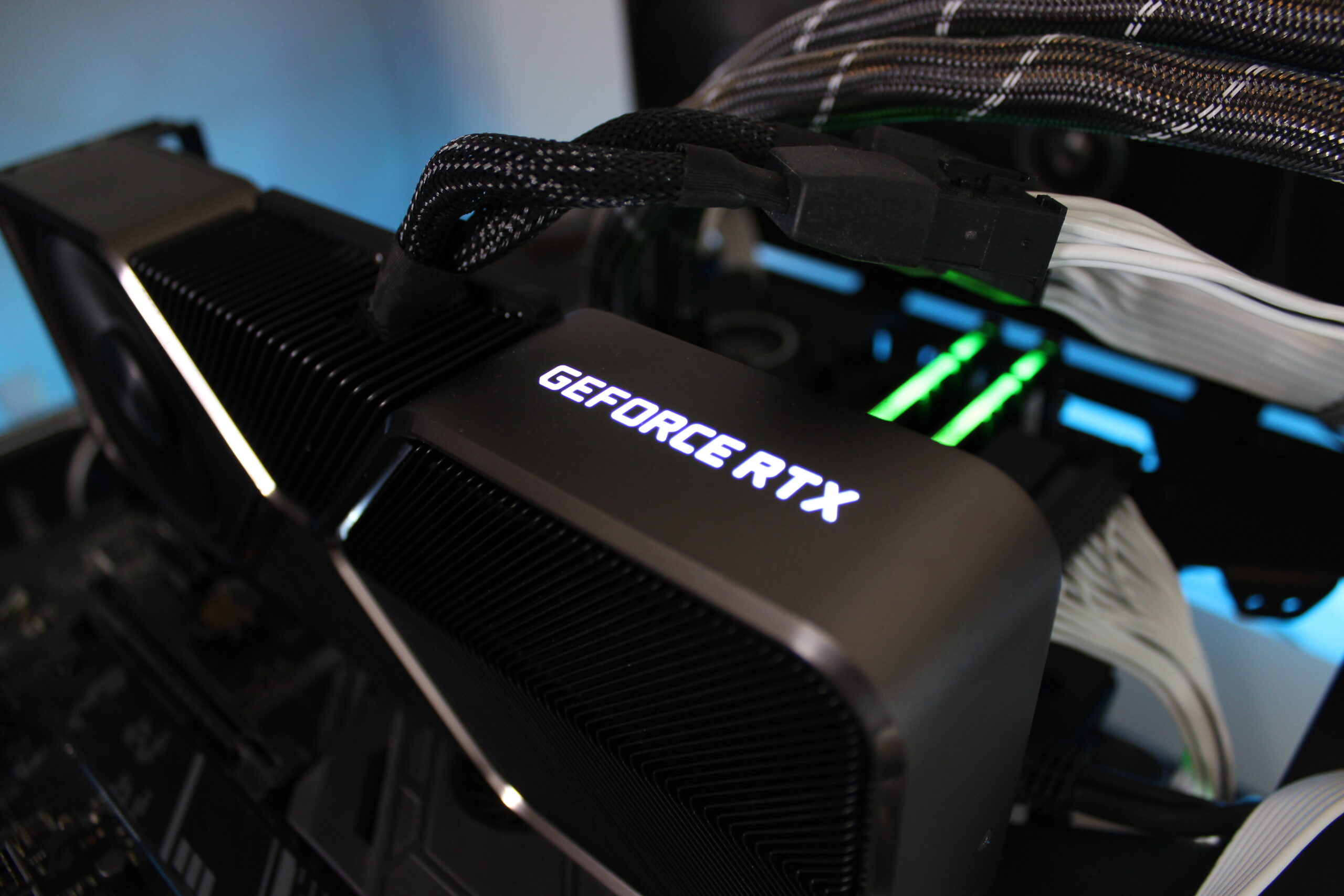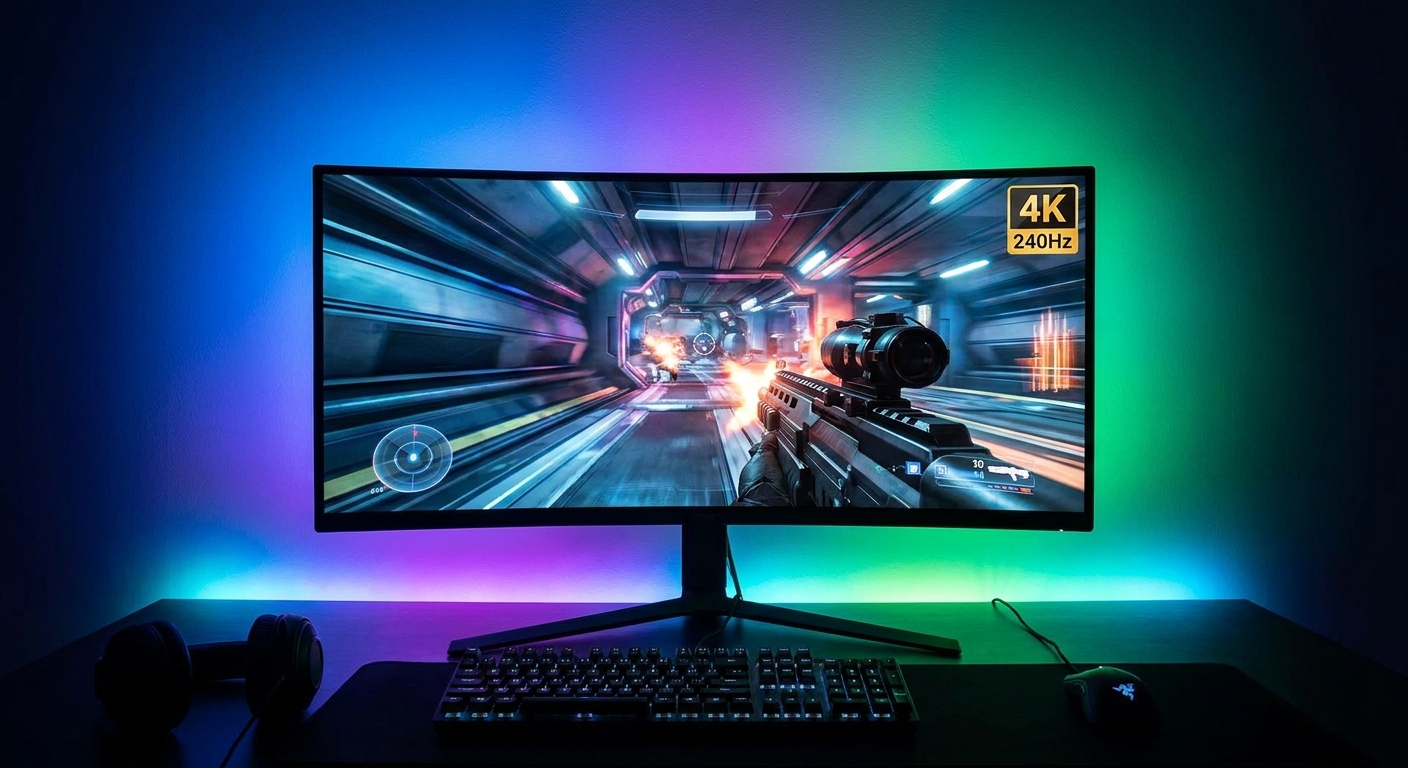
I will be honest with you: the first time someone told me their graphics card was showing 240 frames per second in Cyberpunk 2077 with path tracing on, I laughed. DLSS 4 Multi Frame Generation is the most impressive and the most misunderstood technology in PC gaming right now. It really does multiply your frame rate. It also does not do what a lot of people think it does. After weeks of playing with it across a dozen games, here is what I have learned, including the parts Nvidia's marketing slides leave out.
How Multi Frame Generation actually works
Let me explain this the way I wish someone had explained it to me. Your graphics card renders a real frame — actual geometry, actual lighting, actual game logic. Then, instead of rendering the next frame from scratch, DLSS 4's AI model looks at the two real frames around it, plus motion vectors and depth data from the game engine, and generates up to three frames in between. Those generated frames never existed in the game world. They are the AI's best prediction of what the in-between moments should have looked like. With the original DLSS 4, that means up to four times the frame rate of the base render. With DLSS 4.5, announced at CES 2026, the new Dynamic Multi Frame Generation mode goes up to six times, automatically adjusting the multiplier to hold smooth 240-plus frame rates in 4K path-traced games.
There are two separate pieces of technology working together here, and confusing them is where most arguments about DLSS go wrong. The first is DLSS Super Resolution, which renders the game at a lower internal resolution — say 1440p — and uses a transformer-based AI model to reconstruct a sharp 4K image. The second is frame generation, which multiplies the frame count. Super Resolution has been around since 2018 and it is genuinely excellent now. Frame generation is the newer, weirder part, and it is the part that needs an honest discussion.
What the frame counter is really telling you
Here is the single most important thing to understand about frame generation: a generated frame does not read your inputs. When you move your mouse or press a key, the game only reacts on the next real rendered frame. The generated frames in between are cosmetic — they make motion look smoother, but they do not make the game respond faster. If your base frame rate is 40 frames per second, your input latency behaves like a 40 fps game, even if the counter says 160. That is not a flaw in the implementation. It is a physical fact about how the technology works, and Nvidia knows it, which is why every DLSS 4 game worth playing also ships with Reflex, the low-latency mode that keeps the render queue short and your clicks landing as fast as possible.
The practical rule I use is simple: frame generation is wonderful when your base frame rate is already decent — 60 fps or higher — and you want it to feel like 120 or 240 on a high-refresh monitor. It is a bad idea when your base frame rate is 30 or below, because the latency feels mushy and the artifacts become much more visible. I have played Cyberpunk 2077 with path tracing at a base of 45 fps multiplied to 180, and it felt smooth and responsive enough that I forgot the technology was even on. I have also tried it at a base of 28 fps in a heavy scene, and the mouse felt like it was moving through syrup. Same feature, same game, completely different experience — because the base frame rate is the whole ballgame.
Image quality: better than you expect, worse than native
Let me give credit where it is due. The transformer-based Super Resolution model in DLSS 4 is the best upscaling I have ever seen in a shipped game. In Quality mode, which renders at roughly two-thirds of your output resolution, I genuinely struggle to tell it apart from native 4K in motion. Fine detail like hair, foliage, and chain-link fences holds up. Shimmering on distant geometry — the old weakness of every upscaler — is mostly gone. The new second-generation transformer model in DLSS 4.5 pushes this further, and in Black Myth: Wukong at 240 frames per second, Nvidia's own comparisons show visibly cleaner edges than the original DLSS 4.
Frame generation itself is where the compromises live, and I want to be specific about them because vague warnings help nobody. Fast-moving thin objects — a fence passing close to the camera, a swinging chain, a character's hair whipping across the screen — can smear or briefly break apart, because the AI has to guess where pixels moved between two frames and sometimes guesses wrong. UI elements are usually handled correctly, since modern implementations exclude the HUD from generation, but particle effects like rain, sparks, and explosions can leave faint trails. None of this ruins a game.
Which games actually support it
When DLSS 4 launched with the RTX 50 series in January 2025, 75 games and apps supported Multi Frame Generation. A year later, that number is over 250, making it Nvidia's fastest-adopted gaming technology ever, and more than 800 games and apps now feature some form of RTX technology. The list reads like a who's who of the last two years: ARC Raiders, Battlefield 6, Clair Obscur: Expedition 33, Where Winds Meet, Cyberpunk 2077, Alan Wake 2, Starfield, Marvel's Spider-Man 2, Avatar: Frontiers of Pandora, and F1 26. Racing fans get a treat — F1 25 supports up to 4x multi frame generation, and Forza Horizon 6 and Project Motor Racing support the new 6x mode in DLSS 4.5.
The pipeline keeps growing. Resident Evil Requiem launched in February with path tracing and DLSS 4. 007 First Light arrived in May with Multi Frame Generation. Phantom Blade Zero is coming in September with ray tracing and DLSS 4, and PRAGMATA gets path tracing and DLSS 4 as well. Borderlands 4, Fate Trigger, Directive 8020, Dying Light: The Beast, The Outer Worlds 2, and Cronos: The New Dawn all ship with DLSS 4 support. If you own an RTX 50-series card, you are not short of games that use it. The one hard limit is hardware: Multi Frame Generation is exclusive to RTX 50-series GPUs. RTX 40-series cards keep DLSS Super Resolution, Ray Reconstruction, and standard two-times frame generation, but they do not get the 3x and 4x modes, and full 4x multiplication is only guaranteed on the RTX 5080 and 5090 because of their higher Tensor core counts and memory bandwidth.
How I actually set it up
Enough theory — here is how I configure DLSS 4 in practice, and I suggest you start here too. First, pick your Super Resolution preset based on your resolution: Quality at 4K, Balanced at 1440p, Performance only if you are chasing high refresh rates at 4K with heavy ray tracing. Second, turn on Reflex — always, no exceptions — because it is what keeps the latency honest. Third, enable Multi Frame Generation at 2x or 3x first, not 4x; the jump from 2x to 4x adds more artifacts for diminishing returns in feel, and 3x is the sweet spot in most games I have tested. Fourth, check your base frame rate: if it is under 50, lower your ray tracing settings first — frame generation multiplies what you have, it cannot fix a base rate that is too low.
There are also places I simply do not use it. Competitive shooters are the obvious one: in Valorant or Apex Legends, I want the lowest possible latency and the cleanest possible image, so I run native or Super Resolution only and leave frame generation off. Sim racing is the other — as the sim community has pointed out, frame generation adds frames you see but not frames the game reads your inputs on, and in a sim that is the wrong trade for most drivers. For single-player story games, open worlds, and anything with heavy ray tracing, though, I leave it on almost all the time now. That is a sentence I did not expect to write a year ago.
So is it cheating?
I hear this question constantly, and my answer is no — but with a caveat you should understand. DLSS 4 is not faking the game. The AI is working from real rendered frames, real motion vectors, and real depth data supplied by the game engine. Nothing on screen is invented from nothing. But the frame counter is absolutely measuring something different from what it measured five years ago, and reviews that compare a DLSS 4 frame rate against a native frame rate without saying so are comparing apples to oranges. When a manufacturer claims 240 frames per second, ask what the base frame rate was — the technology is real, but the numbers need context to mean anything.
My honest verdict is this: DLSS 4 Multi Frame Generation is the single best reason to own an RTX 50-series card, and it is the feature that makes path tracing — the most demanding rendering in gaming — actually playable on consumer hardware. It is not free performance, because your latency is still set by your base frame rate, and it is not perfect, because generated frames can smear in fast motion. But used correctly — decent base frame rate, Reflex on, multiplier at 3x — it is transformative in a way few graphics technologies have ever been. The future of rendering is not raw rasterization getting faster forever. It is AI filling in the gaps, and DLSS 4 is the first version of that future that actually feels good to play.
Frequently asked questions
What is DLSS 4 Multi Frame Generation?
It is Nvidia's AI frame generation technology for RTX 50-series graphics cards. It generates up to three AI frames for every traditionally rendered frame, multiplying frame rates by up to 4x. DLSS 4.5 adds Dynamic Multi Frame Generation up to 6x. It works together with DLSS Super Resolution upscaling and Nvidia Reflex low-latency mode.
Does Multi Frame Generation increase input lag?
It does not reduce latency below your base frame rate, because generated frames do not read your inputs. Your responsiveness is set by the real rendered frame rate. That is why Nvidia pairs it with Reflex, and why it feels best when your base frame rate is 60 fps or higher.
How many games support DLSS 4?
More than 250 games and apps support DLSS 4 with Multi Frame Generation as of early 2026, up from 75 at launch in January 2025. Major titles include Cyberpunk 2077, Alan Wake 2, ARC Raiders, Battlefield 6, Clair Obscur: Expedition 33, Starfield, and Forza Horizon 6, with more arriving every month.
Can I use DLSS 4 Multi Frame Generation on an RTX 40-series card?
No. Multi Frame Generation is exclusive to RTX 50-series GPUs. RTX 40-series cards still support DLSS Super Resolution, Ray Reconstruction, and standard 2x Frame Generation, but not the 3x, 4x, or 6x modes.
Is DLSS 4 better than native resolution?
The transformer-based Super Resolution model in Quality mode is extremely close to native 4K in motion and sometimes cleaner than native in ray-traced scenes, because Ray Reconstruction replaces the game's own denoisers. Frame generation adds smoothness but can introduce minor artifacts on fast-moving thin objects. In practice, most players will not notice a difference during gameplay.
What is DLSS 4.5?
DLSS 4.5, announced at CES 2026, introduces a second-generation transformer model for Super Resolution with better image quality, plus 6X Dynamic Multi Frame Generation that automatically adjusts the multiplier for smooth 240-plus fps 4K path-traced gaming on RTX 50-series cards. It is scheduled to release in spring 2026.