I have a confession to make: for years I treated cloud gaming as a joke. I tried the early versions, I felt the lag, I saw the compression artifacts, and I wrote the whole idea off as something for people who had never played on a real PC. Then Nvidia upgraded GeForce Now to RTX 5080-class servers, started streaming at 5K and 120 frames per second, and I realized my old opinion was out of date. So I spent a month trying to live on GeForce Now as my main gaming PC. Here is what actually happened — the parts that genuinely impressed me, the parts that still drive me mad, and the math that might make you sell your graphics card.
What changed: the RTX 5080 upgrade
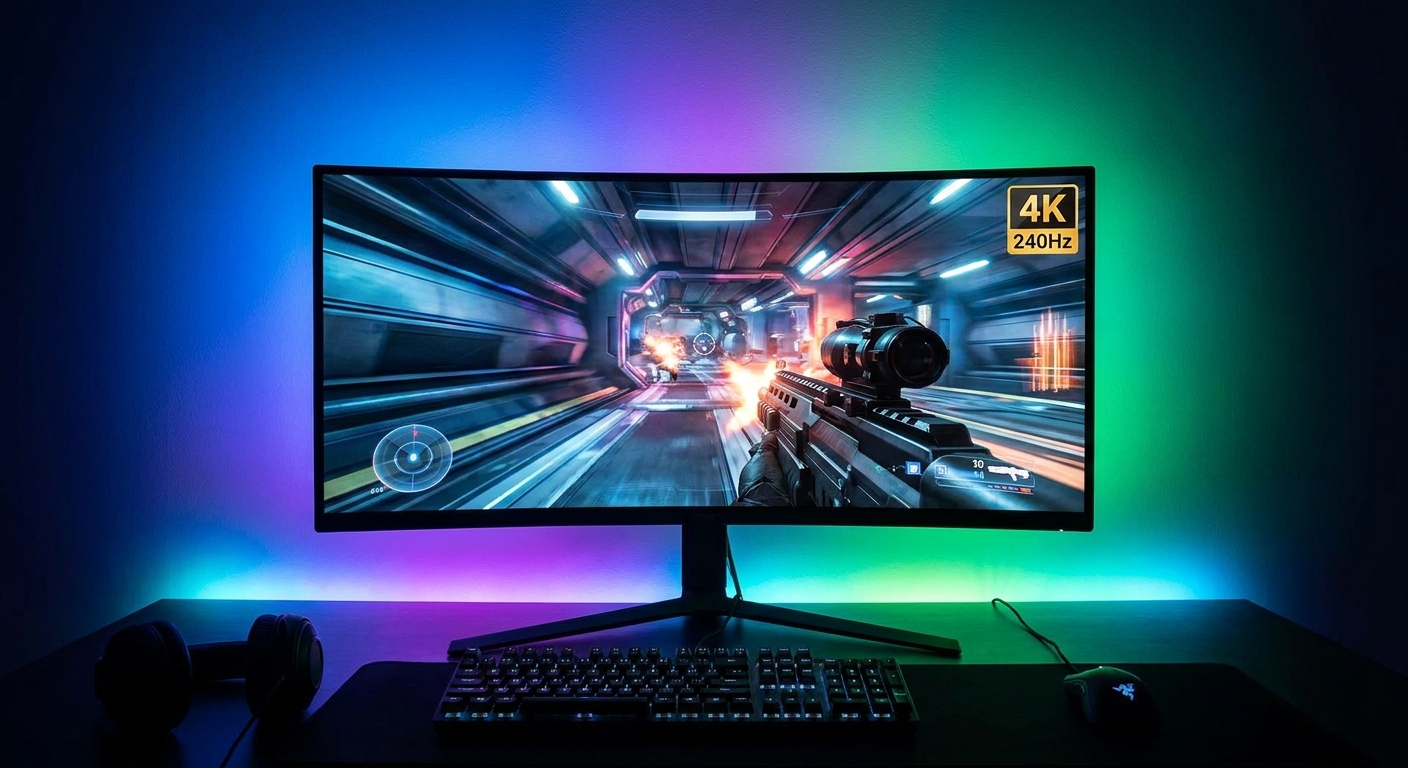
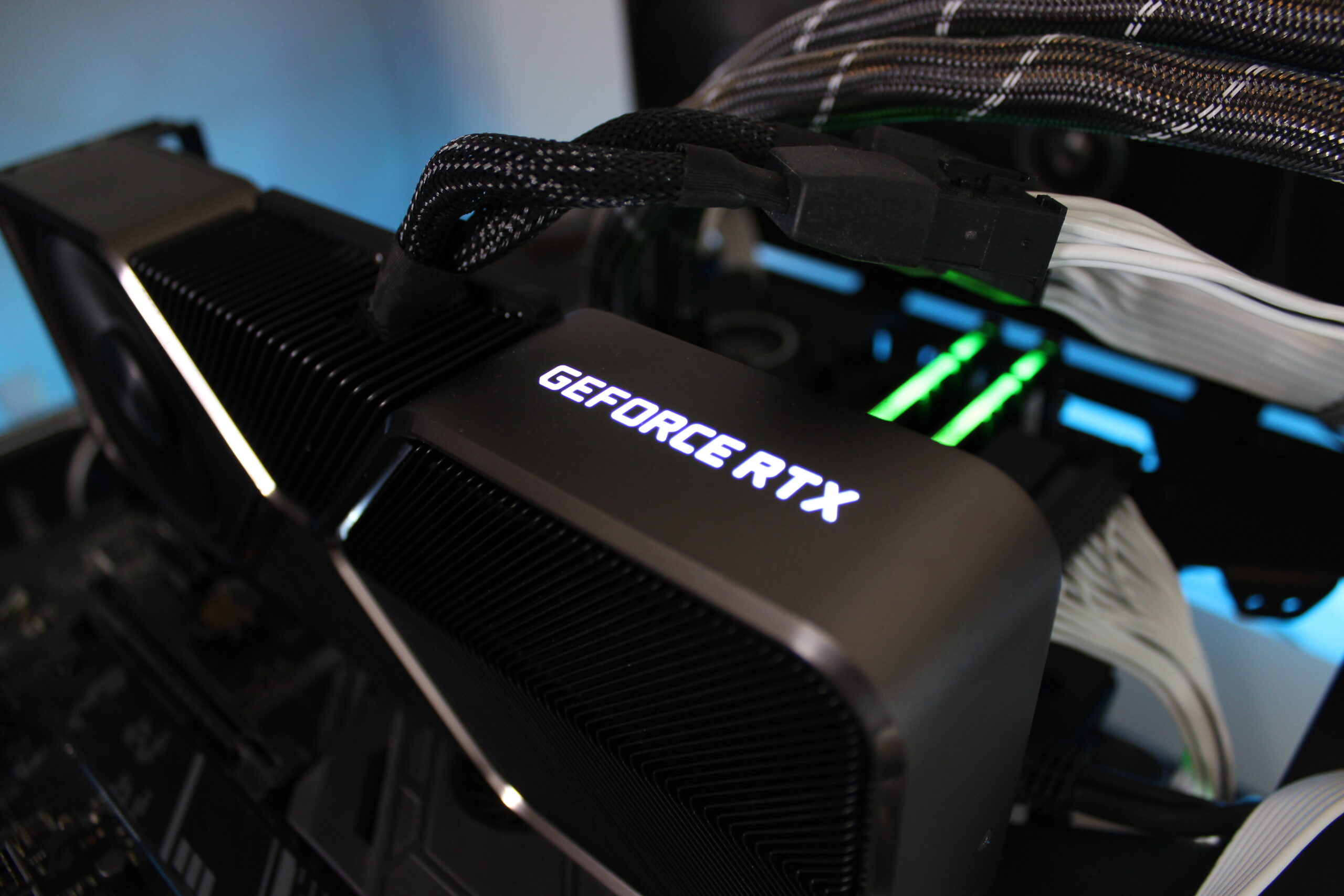
The big news is the hardware. GeForce Now's top Ultimate tier used to run on RTX 4080 servers. In August 2025, Nvidia started upgrading those servers to RTX 5080-class Blackwell GPUs, and the rollout has now reached most regions. The headline numbers are real: Ultimate members can stream at up to 5K HDR at 120 frames per second, or drop to 1080p for up to 360 frames per second in competitive games. DLSS 4 with Multi Frame Generation runs on the cloud servers too, so the games themselves render with the same AI frame generation you would get on a local 50-series card. Steam Deck OLED owners can stream at up to 90 frames per second, and the Lenovo Legion Go S can hit its full 120Hz refresh rate — both of which are genuinely useful, because those handhelds could never run a game like Cyberpunk 2077 at those settings natively.
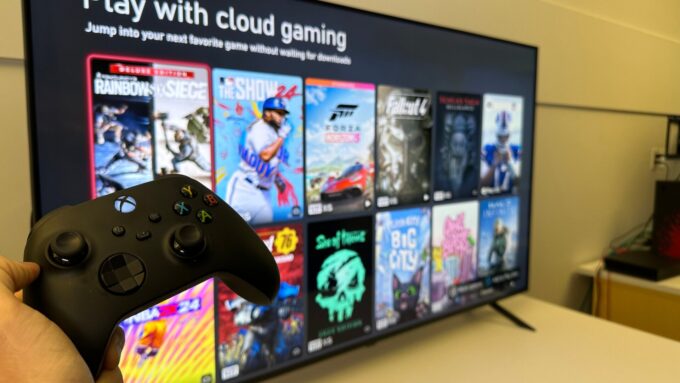
The library grew alongside the hardware. GeForce Now now supports more than 4,500 games, and the new Install-to-Play feature roughly doubled the catalog by letting you install and stream games from your own Steam library that were not previously supported. You link your existing accounts — Steam, Epic Games Store, GOG, Ubisoft Connect, Battle.net, EA app, and Xbox including supported PC Game Pass titles — and you play the games you already own. This is the part that separates GeForce Now from its rivals: it is a cloud gaming rig, not a game buffet. You are not renting a catalog. You are renting the PC.
The tiers, the prices, and the 100-hour catch
Let me lay out the money plainly, because this is where cloud gaming either makes sense or falls apart for you. There are three memberships. The Free tier uses basic rigs, shows short video ads before each session, and puts you in a queue. Performance costs $9.99 a month and streams at up to 1440p at 60 frames per second on RTX hardware, with sessions of up to 6 hours. Ultimate costs $19.99 a month — or $100 for six months — and unlocks the RTX 5080 servers, 5K at 120fps, 1080p at 360fps, and sessions of up to 8 hours. That is the tier this article is really about, because it is the only one that feels like a replacement for a real PC.
Here is the catch I did not expect: starting in 2026, paid Performance and Ultimate members have a monthly cap of 100 hours of playtime. You can roll over up to 15 unused hours to the next month, and you can buy more hours if you run out, but the cap is real and it changes the math. A hundred hours a month is a lot for most people — that is more than three hours a day, every day — but if you are the kind of gamer who puts in marathon weekend sessions, you will feel it. Xbox Cloud Gaming, for comparison, gives Game Pass Ultimate subscribers 15 hours of cloud gaming a month from November 2026, which makes GeForce Now's 100 hours look generous. Still, I want to be straight with you: a cap on a service you pay monthly for is a cap, and you should know about it before you sign up.
The latency question, answered honestly
Latency is the whole argument against cloud gaming, so let me give you the honest version instead of the marketing version. Nvidia says you need less than 80 milliseconds of network latency to its data centers, and recommends less than 40 for the best experience. On my wired Ethernet connection, I measured in the 20 to 30 millisecond range to the nearest server, and in single-player games — Cyberpunk 2077, Indiana Jones, Clair Obscur — I genuinely forgot I was streaming. The image was sharp, the motion was smooth, and the controls felt like a local PC. Linus Tech Tips ran the same comparison against a local RTX 5080 PC across Indiana Jones, Borderlands 4, and Apex Legends, and reached a similar conclusion: the visual gap has basically closed, and what remains is about feel, not image quality.
But feel matters, and this is where I have to be blunt. In competitive multiplayer — Valorant, Apex Legends, Counter-Strike — the extra round trip is real, and good players will notice it. Your total latency is your network latency plus the server's render time plus the stream encode and decode, and no amount of DLSS magic removes the speed of light from the equation. On Wi-Fi, it gets worse: a busy household, a microwave, a neighbor's router on the same channel, and suddenly your 30 milliseconds is 60 and your game feels drunk. My rule after a month of testing is simple: Ethernet or nothing. If you cannot plug in a cable, do not expect a console-grade experience, and definitely do not expect a competitive one.
Bandwidth: the number nobody talks about
The other hidden requirement is bandwidth, and it is higher than most people assume. Nvidia recommends 45 Mbps for 4K at 120 frames per second, and 65 Mbps for the top-tier 5K at 120fps experience. That is sustained, stable bandwidth — not the headline number on your internet plan, but what your connection actually delivers at 8pm when everyone in the house is streaming. If your connection dips, the stream degrades live: resolution drops, compression artifacts bloom across the screen, and the session can stutter — I saw it happen during a storm when my connection fell to 25 Mbps mid-game.
There is also the data usage, which nobody warns you about. Cloud gaming at 4K can burn through 15 to 20 gigabytes per hour. A hundred hours of playtime at high settings can mean two terabytes of data in a month. If your internet plan has a data cap — and many do, especially outside major cities — GeForce Now can get very expensive very fast in overage charges. Check your cap before you commit. This is the kind of practical detail that never makes it into launch announcements, and it is exactly the kind of thing that ruins someone's month.
The math: cloud versus a gaming PC
Now the question everyone actually wants answered: is it cheaper than buying a PC? Let me do the math the way I did it for myself. Ultimate costs $19.99 a month, or about $240 a year. A gaming PC with an RTX 5080-class card costs roughly $2,000 to $2,500 to build right now — and that is before the monitor, the desk, and the electricity. At $240 a year, you would need to subscribe for eight to ten years before you spent what a PC costs. And in those ten years, Nvidia upgrades the servers for you — no dust, no dead power supplies, no $5,000 card losing half its value.
But the math cuts the other way too. You own nothing. If you stop paying, you have no PC — just a Steam library you cannot play until you buy hardware again. The 100-hour cap means heavy players pay more. And the games you buy on Steam stay yours, but the machine you play them on is rented by the hour. I have always believed that owning your hardware matters, and I still do. What changed my mind is the price of hardware itself: when a flagship graphics card costs $5,000 on the street, renting a better one for $20 a month stops being a compromise and starts being common sense. That is the real story of GeForce Now in 2026. It did not get better because Nvidia got generous. It got better because buying a PC got so expensive that the cloud started winning on price.
Who it is actually for
After a month, here is who I would recommend GeForce Now to without hesitation. If you own a Steam library and a good internet connection but no gaming PC — a laptop user, a Mac user, someone whose PC is five years old — Ultimate is the cheapest way to play modern games at high settings, and it is not close. If you travel and want your games on a hotel TV or a handheld, it is genuinely magical: I played a game I own on my Steam Deck at 90 frames per second in a coffee shop, and I am not sure I will ever get over how strange and wonderful that felt. If you live somewhere with cheap, fast, uncapped internet, it is a no-brainer.
Who should skip it? Competitive players, anyone on Wi-Fi only, anyone with a data cap, and anyone whose internet is flaky. And if you already own a decent gaming PC, GeForce Now is a backup, not a replacement — a way to play your library on the living room TV or while your main rig is busy. I am keeping my PC. But I am also keeping my Ultimate subscription, because for twenty dollars a month, having an RTX 5080 in my pocket is a deal I cannot argue with anymore. Cloud gaming finally grew up. The question is no longer whether it works. It is whether your internet is good enough to let it.
Frequently asked questions
What is GeForce Now Ultimate?
It is Nvidia's top cloud gaming tier, costing $19.99 a month. It runs your games on RTX 5080-class cloud servers and streams them to your device at up to 5K HDR at 120 frames per second, or 1080p at up to 360 frames per second. You play games you already own from Steam, Epic, GOG, Ubisoft Connect, and other stores.
How fast does my internet need to be for GeForce Now?
Nvidia recommends 45 Mbps for 4K at 120fps and 65 Mbps for 5K at 120fps, with network latency under 80ms and ideally under 40ms to the nearest data center. A wired Ethernet connection is strongly recommended over Wi-Fi for the best experience.
Is there a playtime limit on GeForce Now?
Yes. From 2026, Performance and Ultimate members have a monthly cap of 100 hours of playtime, with up to 15 unused hours rolling over to the next month. Sessions are also limited — 6 hours for Performance and 8 hours for Ultimate.
Can GeForce Now really replace a gaming PC?
For single-player games on a good wired connection, yes — the visual quality now matches a local RTX 5080 PC, and at $19.99 a month it is far cheaper than buying equivalent hardware. For competitive multiplayer, Wi-Fi-only setups, or capped internet plans, a local PC is still the better choice.
Does GeForce Now work on Steam Deck?
Yes. Steam Deck OLED owners can stream games at up to 90 frames per second, and the Lenovo Legion Go S can stream at up to 120Hz, which is far beyond what those handhelds can run natively.
How many games does GeForce Now support?
More than 4,500 games, including your own Steam, Epic, GOG, Ubisoft Connect, Battle.net, EA app, and Xbox libraries. The Install-to-Play feature roughly doubled the catalog by letting you install and stream games from your own library that were not previously supported.